Why do free servers shut themselves down?
On free hosting a single machine looks after a large number of servers at once. Memory and CPU are shared, so servers nobody is connected to get stopped to make room. That is not a fault — it is how the model works: while you are not playing, keeping your server alive earns that side nothing.
The second reason is resource competition. When somebody on the same machine runs a heavy world, everyone else slows down, and the system stops whichever server consumes the most or is used the least. The third is the inactivity timer: servers nobody opens for a while are archived first and deleted later. Put those three together and you get "it worked last night, today it's gone".
Here the model runs the other way round. Keeping your server up is measured and paid for, so nothing pushes us to stop it. Your server runs until you stop it — or, if you left idle sleep on, until it sits empty. The decision to shut down is yours, not the system's.
Where does the queue come from, and is there one here?
A queue appears because the number of servers a machine can run at once is capped. When demand passes that cap, new requests are held back — that is why your players stare at a "starting server" screen for minutes. Complaints cluster in the evening and at weekends for a simple reason: that is exactly when the cap fills up.
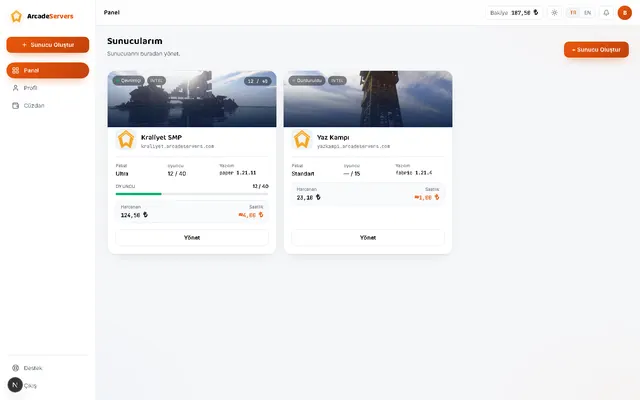
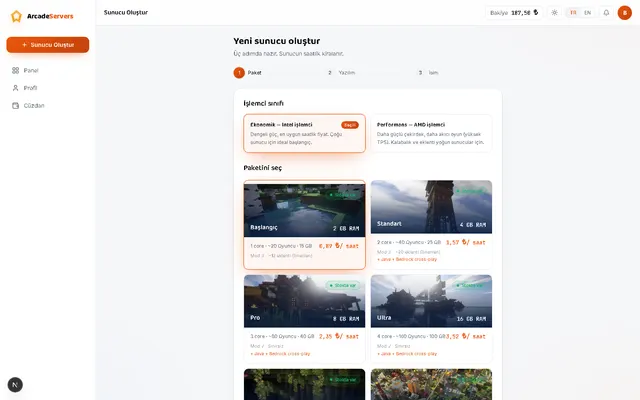
Here your server runs on its own resources. The RAM, the cores assigned to you and the NVMe disk you see on the card are yours and are not sold twice, so there is no situation in which your players have to queue to get in. If the server is up, they connect.
The one exception is waking from sleep: when you start a sleeping server from the panel, it takes a few minutes to come up. That is not a queue — you are not waiting behind anyone — it is your own server's start-up time, and it only happens on the way back from sleep.
If you want your server to stay up around the clock
Idle sleep is on by default on new servers: if no player is on for 15 minutes, the server goes to sleep and hourly billing stops from that moment. Its purpose is to stop a forgotten server from quietly draining your balance — it exists to protect you, not to ration resources.
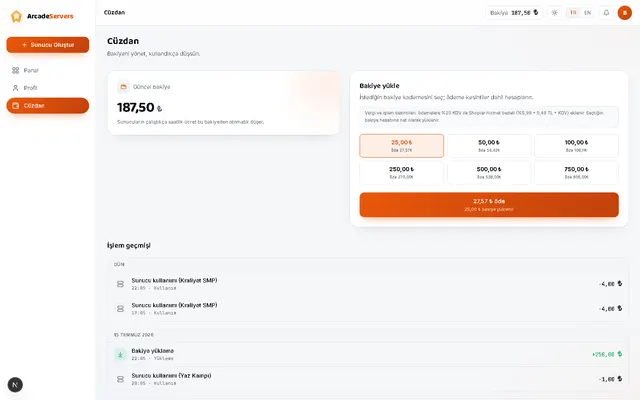
If you want the server up without interruption, you can turn that setting off from the panel on paid packages. Once it is off, your server keeps running until you stop it even with nobody connected, which is the right choice for a community server that has to be reachable at all times. In exchange, every hour it runs is billed, because the resources really are reserved.
On the free tier this setting cannot be turned off: a free server goes to sleep once it sits empty. If you are building a community whose server must always be up, you need a paid package — we say so up front so it is not a surprise later.
Sleeping is not the same as being shut down
A sleeping server is neither deleted nor reset: your world, plugins and settings are kept exactly as they were, the server counts as stopped and no hourly charge runs. Start it from the panel and you pick up where you left off — your connection address does not change either.
On a paid package your world is kept with no time limit: leave the server closed for months and your files are still there, because File Protection is on and free on every server. The one limit is on the free tier — if a free server is never started for 30 days, the world and the server are deleted together.
On top of that, File Protection — which keeps your world in cloud storage independently of the server machine — is on for every server, free, and is not switched off. An automatic backup is taken every day, and while your server is running a restore point is created roughly every half hour.
How to find out why your server stopped
Every server has an activity history in the panel, and the reason for each shutdown is written into it: idle sleep, an empty balance, the daily spend limit you set, a crash, or you stopping it by hand. "Why did my server shut down" is never guesswork — the date and the reason sit side by side.
If it crashes unexpectedly, the meter closes — a crashed server is not billed — and the server tries to restart itself after a short wait. When the same server crashes repeatedly, the cause is usually insufficient memory or a misbehaving plugin; console logs stay in the panel, so you can see which plugin threw the error yourself.
Bringing your world across
To bring over a world you built elsewhere, create your server, open the file manager in the panel and upload the world folder. Your plugins and configuration files travel the same way; after that, stopping and starting the server is all it takes.
Check two things before you migrate: server software and version. Moving a world built on the plugin family onto a mod-based server produces unpredictable results. You can change software and version from the panel afterwards, but always take a manual backup before downgrading a version — an older build may not be able to read a newer world.