
Because the hourly model has no monthly commitment, there's no remaining-month refund. This article covers which amount is eligible, where to send the request, which refunds come back on their own, and what to try first.
Consumed hours aren't refunded
Each hour of use is charged at the start of that hour, and time consumed isn't refunded. Stop the server mid-hour and you've paid for the hour you're in — but the next hour never begins.
If the hour you paid for hasn't elapsed, restarting within it doesn't create a second upfront charge — you stay inside that hour. The hourly billing article explains how the meter behaves.
What's eligible: unused wallet balance
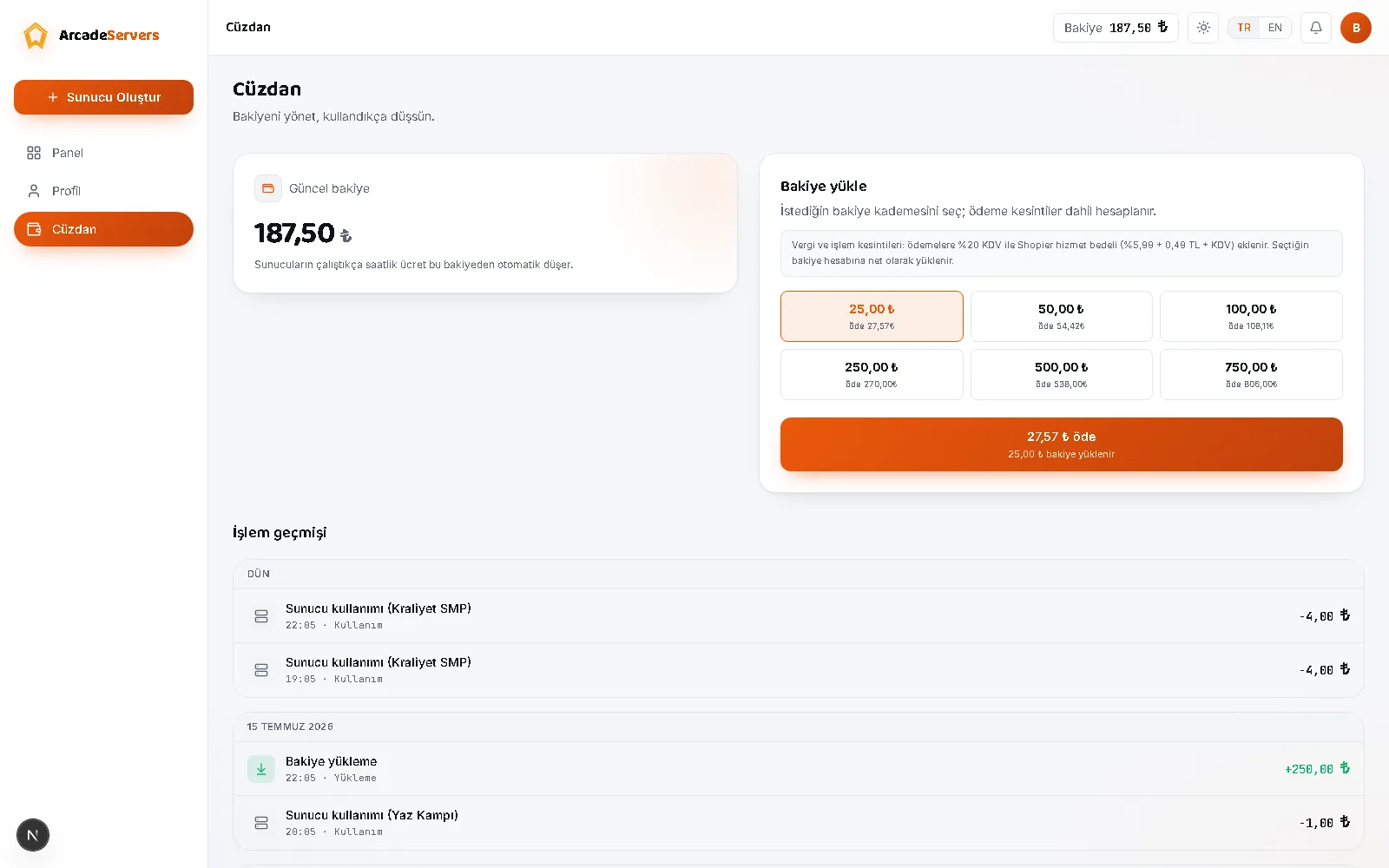
A refund request applies to wallet balance not yet spent on any server: used service isn't refunded, unspent balance can be, and if part is spent only the unused part is considered.
You have a 14-day right of withdrawal for a wallet top-up, but once you start a server with that balance, the service has been performed for that portion. Balance in an account closed for a Terms of Service violation isn't eligible.
How to send a request
Through the panel: open a new ticket on the Support page. Two categories cover this — Billing & Wallet for the wallet, and Refund / Cancellation for cancelling a server. The second asks you to pick a server, so use Billing & Wallet for balance-only requests.
By email, write to [email protected] from the address registered to your account — that is how we verify which account it belongs to. State the coin amount you want refunded; payment details aren't needed.
The process
Requests are assessed against the terms in the Refund Policy, which states a reply time of three business days. Approved refunds go back to the original payment method, and depending on your bank can take a few business days to appear.
For timelines, exceptions and detailed terms, see the Refund Policy page — the contractual text is there.
Refunds that happen on their own
Some refunds need no request. If a server can't finish being set up, the hour charged upfront is written back to your wallet, shown in your transaction history as Refund — server could not be created. A server that crashes isn't billed for the time it stays down either, and those hours leave no line. These amounts return to the wallet, not to your payment method.
Troubleshooting
If a money movement doesn't look right, check these in order:
- Open the transaction history on the Wallet page and widen the date range — every billed hour leaves its own line, so the entry may not be on the first page.
- If a top-up is missing, check whether you paid with your account's registered email address: balance is credited automatically only when the buyer's email matches. Paying from a different one isn't a refund case — support matches it by hand.
- If the payment was approved moments ago, the top-up usually lands within seconds; if not, the system finds paid-but-uncredited payments by itself within a few minutes — refresh and look again.
- If you topped up but the balance is lower than expected: it can dip below zero by up to one hour's charge, and a new top-up closes that gap first.
- If a server stopped by itself, the reason is written in the panel's History section — running out of balance, the daily spend limit, idle sleep, a crash, or a manual stop.
Common mistakes
- Asking for a refund of gift coins. Campaign gift and promo code lines have no payment behind them, and a refund is a payment coming back.
- Mixing up the amount paid with the coin amount. The figure at checkout includes VAT and payment processing costs; the wallet is credited with the net coins — quote the coin amount.
- Deleting a server you just won't use for a while. That deletes all of its backups with it — stop it instead.
- Waiting for a refund instead of stopping the server. A server left running keeps spending hour by hour, and past hours aren't refunded.
- Ignoring the low-balance warning. When your balance falls below three hours of what your running servers cost, a notification and an email go out; if it runs out, the servers sleep and your files stay put.
Before you ask: what to do when
- A break of a few days: stop the server and leave the balance in your wallet. A stopped server costs nothing.
- Friends who log in unpredictably: leave idle sleep on — the server sleeps by itself after 15 minutes with no players. The sleep mode article also covers how long the archive is kept.
- Worried about how fast the balance drops: set a daily spend limit in Settings. A warning arrives at 80% of it, the server stops at the limit, and it doesn't start itself the next day.
- Away for a long stretch: a server left unopened for a month is archived, and the archive is removed if untouched for two more months; a warning is sent first. Download anything you want to keep from Backups.
- You genuinely want the money back: open a request from Support for the unspent balance; consumed hours create no refundable amount.
For the top-up steps, see the wallet top-up article; to get your world out, see backups and restoring.